athenaPatient
- 4.8
- Rating
- 1.00M
- Installs
- Free
- Price

 Analysis by App-foxy
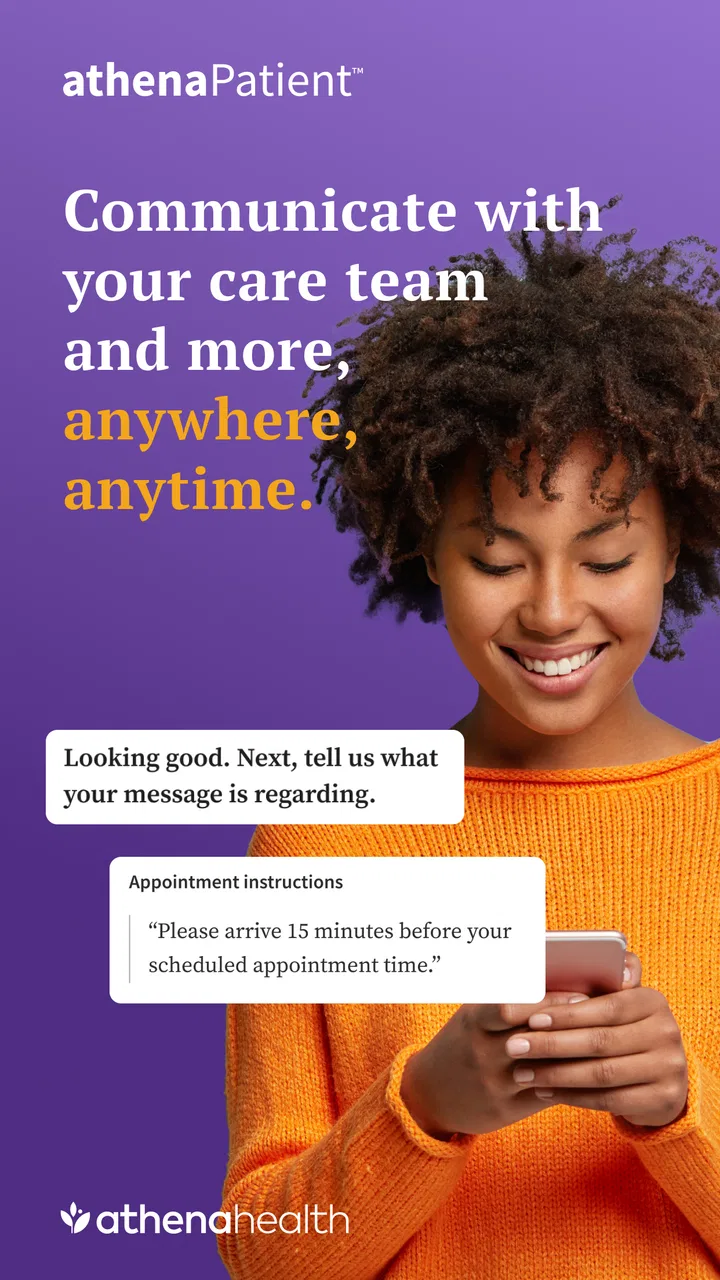
I installed athenaPatient expecting a straightforward medical companion, and that is exactly where it makes the most sense. It is a free health app from athenahealth, designed to put everyday communication with your care team in one place rather than making you depend entirely on phone calls, paper notes, or several disconnected routines. My overall impression is practical: it is most useful when you already receive care through an athenahealth-supported practice and want a simpler way to stay connected between visits.
The app is listed for Everyone and supports devices running iOS or Android 11 and later. Its public reception is unusually strong, with a 4.8 average from around 60 thousand ratings, while its reach has passed one million installs. Those figures do not make it perfect, but they do suggest that many patients find the basic experience worthwhile. I would still judge it by a more personal question: does it reduce the small bits of friction that make managing healthcare tiring?
How athenaPatient feels during ordinary use
My answer is yes, provided your healthcare provider uses the connected athenahealth system. That qualification matters more than any rating. This is not a general wellness tracker, symptom diary, emergency service, or replacement for a clinician. It is a patient-facing medical app whose value depends on the relationship between you, your care team, and the practice’s digital setup.
You May Also Like

 Blood Strike: 2.5 Anniversary
Blood Strike’s Loadouts Turn Every Drop Into a Tactical Gamble
A close look at Blood Strike’s custom loadouts: how fast access to signature weapons reshapes its battle royale rhythm, rewards preparation, and narrows the gap between fights.

 Pandora - Music & Podcasts
Pandora’s Music Is Easy to Start, but Harder to Recover
Pandora’s strength is its low-effort path from a seed to a station. Its weak spot is how much confidence it asks you to place in connection, setup, and quiet recovery.

 8 Ball Pool
 Is Built on Rivalries, Rematches, and Routine
A close look at the rivalries, rematches, shared routines, and unanswered safety questions that turn a quick pool match into a persistent mobile community.

 Samsung Music
’s Quiet Strength Is Playing What You Already Own
Its reach comes less from spectacle than from dependable access to a personal library. That simplicity is both the app’s strongest retention engine and its ceiling.

 AccuWeather: Weather Radar
AccuWeather Review: A Quick, Clear Forecast for Everyday Decisions
For everyday plans, the best forecast is the one you can understand quickly. AccuWeather makes rain timing, radar, and local conditions easy to act on, with a few trade-offs.

 Hill Climb Racing
Why Hill Climb Racing Still Turns Crashes Into One More Run
A tiny car, a bumpy hill and one more upgrade: Hill Climb Racing keeps resurfacing because its simple chaos makes every near-miss feel personal.
More From Our News Desk



The first thing I noticed is that the app’s purpose is narrower than many health apps. It is not trying to fill the screen with charts, exercise goals, reminders, or lifestyle advice. Instead, the experience is centered on access to health information and communication with the people responsible for your care. That narrower focus helps it feel less distracting, especially when I open it with a specific task in mind.
For speed expectations, I would describe the experience as task-oriented rather than entertainment-fast. Opening a medical app is rarely about browsing for long periods; it is usually about checking something, sending a message, or finding information before moving on. athenaPatient fits that pattern well. The important benefit is not flashy animation or constant activity, but having a familiar place to begin when a question comes up.
There is also a useful psychological difference between a patient portal in a browser and a dedicated mobile app. A browser portal can work perfectly well, but it often feels like an administrative destination that I visit only when necessary. A phone app is easier to keep within reach, which makes small healthcare tasks feel less formal. That can encourage better follow-through, particularly for people who postpone messages because signing into a website feels like too much effort.
Where the app saves time, and where it cannot
The strongest everyday scenario is a non-urgent question that does not justify a phone call. Imagine noticing a change after a routine appointment, needing to clarify an instruction, or wanting to communicate a concern while your thoughts are still fresh. With a patient app available, I can start from the same device I use for everything else instead of searching for a practice number, waiting through a menu, and trying to explain the situation verbally.
That does not mean the answer arrives instantly. The app can make sending and organizing a message easier, but it cannot control how quickly a clinic responds. This is an important trade-off: athenaPatient can improve the front end of communication without turning ordinary medical correspondence into live chat. I would use it for a considered message, not for anything that needs immediate attention.
The same distinction applies to health information. Having it available in an app can be more convenient than keeping printed documents or relying on memory, but convenience is not the same as interpretation. I found the app most helpful as a reference point before a conversation with a professional. I would not treat a screen in the app as a diagnosis or use it to make a high-stakes decision without contacting the appropriate care service.
The practical speed advantage is fewer steps, not instant medical answers. That is the right way to evaluate it. If your problem is remembering where information lives or finding a simple way to contact your care team, the app can feel efficient. If your problem is delayed clinical response, a mobile interface alone cannot solve it.
What happens when you use it heavily
Heavy use in this context does not mean gaming for hours or streaming media. It means returning repeatedly around appointments, treatment questions, or a period when several pieces of information need attention. During those moments, the app’s focused design is a benefit because it does not ask me to manage unrelated health content at the same time.
Still, medical apps can become mentally demanding even when they are technically simple. A patient may be checking information while worried, tired, or trying to help a family member. In that situation, clear organization matters more than a long feature list. I prefer using athenaPatient with one purpose per session: check the relevant information, write down what needs clarification, and then contact the care team through the appropriate channel.
A useful workflow is to prepare a message outside the app first. I would note the main question, relevant timing, and any details the clinician may need, then enter a concise version rather than composing while distracted. This is not a special tool feature; it is a practical way to reduce mistakes in any patient portal. The app’s value is that it gives that prepared message a direct destination connected to your care relationship.
Another sensible habit is to review information before an appointment instead of opening the app for the first time while sitting in the waiting room. That gives me time to notice what I understand and what I do not. It also avoids turning a short visit into a memory test. For people managing care for a parent or another family member, this preparation can be especially useful, although the person using the account should always follow the practice’s rules for authorized access.
When the app becomes part of a busy healthcare period, its limitations become easier to see. It is not a universal command center for every provider you may visit. If your primary doctor, specialist, pharmacy, and hospital all use different systems, athenaPatient will not automatically make that entire network feel unified. In that situation, a general health-record organizer or a carefully maintained personal document may still be useful alongside it.
Stability and the importance of the connected practice
I judge reliability in a medical app differently from reliability in a social app. I do not need constant notifications or frequent content refreshes. I need the app to be dependable when I deliberately open it, and I need to understand whether a task has actually been completed. That is why the relationship with the provider matters so much. The app can present the patient side of a system, but the quality of the overall experience also depends on how the practice handles communication and information updates.
The developer is athenahealth, so the app’s identity is closely tied to that healthcare platform. Before relying on it, I would confirm that my own practice supports athenahealth’s patient access and that my account details match what the office has on file. This is a more important preparation step than comparing screenshots or reading a long list of app features. If the connection is not established correctly, the app may feel disappointing even though the underlying idea is useful.
For recovery after an interruption, I recommend treating the app as a place to verify status rather than assuming that a failed-looking screen means a message was sent or an action was completed. If I were handling something important, I would check the result before closing the app and keep a note of the date and subject of the communication. If the matter is urgent or the app is unavailable, I would use the practice’s direct phone route or the appropriate emergency service instead of repeatedly retrying a mobile workflow.
This is also why I would not use athenaPatient as my only record of critical medical details. A phone can be lost, replaced, offline, or unavailable when needed. I prefer keeping essential information in the format my clinician recommends and using the app as a convenient access point, not as the sole backup for everything related to my health.
Its public scale is reassuring in a general sense: more than one million installs indicate that it is not an obscure experiment. The current version is 1.24.2, which shows that the app has continued through version updates rather than remaining frozen at its original release. It first appeared on November 9, 2022, so it is established enough to have a meaningful usage history while still feeling like a relatively modern patient-access tool.
Device limits and the people who should think twice
The minimum operating-system requirement of version 11 is reasonable for many current phones, but it immediately excludes older devices. If you keep an aging phone because it still handles calls and messages, athenaPatient may not be an option on that hardware. I would check the operating system before planning to use it as the main route to a practice, especially if an upcoming appointment depends on digital access.
Device constraints are not only about age. Medical apps are used in real situations: in a quiet room, in a waiting area, while traveling, or when a battery is nearly empty. A phone-based workflow is convenient, but it assumes that the device is charged, available, and usable. People who dislike small-screen reading, have accessibility needs that are better served on a larger display, or prefer paper communication may find a traditional office process more comfortable.
Resource demands are difficult to judge from a short session, but the app’s focused medical purpose gives me no reason to expect the kind of sustained demand associated with games, video editors, or media-heavy social platforms. I would not choose it for entertainment, and I would not expect it to be a major battery activity during normal patient tasks. The more relevant resource is attention: sensitive health information deserves careful reading, and a compact screen can encourage rushed decisions.
Privacy is another reason to be deliberate about device access. I would use a personal phone, keep the operating system supported, and avoid leaving the app open where other people can read the screen. Those are sensible precautions for any health portal. The app’s Everyone age rating describes its store classification, not a promise that every medical situation is suitable for unsupervised use by every person.
I would also skip it if I am looking for symptom checking, medication education independent of a provider, fitness tracking, or an emergency response tool. Those needs belong to different kinds of services. athenaPatient is a better match for someone whose care team is connected to the platform and who wants a mobile bridge to that existing relationship.
How it compares with browsers, phone calls, and other portals
The usual alternative is a web-based patient portal. A browser can be preferable when I need a larger screen, want to print information, or am already working at a computer. It may also be easier for someone who does not want another app on their phone. athenaPatient has the advantage when the task is small and mobile: I can begin from the device already in my hand instead of remembering a website address and navigating through a desktop-style interface.
Phone calls remain better for urgency, ambiguity, or situations where a conversation is clearly more efficient than a written message. A call also helps when account access is not working or when the right department is unclear. I would not let the convenience of an app push me toward written communication when tone, timing, or immediate clarification matters.
Other healthcare portals may be better for people whose providers use a different platform or whose care is spread across several unrelated systems. A general health-record app may also be more suitable if the main goal is collecting documents from many organizations. athenaPatient’s strength is not universal compatibility; it is the directness of the connection when your practice is part of the athenahealth environment.
That makes the decision unusually simple. I would not download it merely because it has a high rating. I would first ask the office whether it supports the app, whether my patient account is ready, and which kinds of communication should go through it. Once those answers are clear, the app becomes much easier to evaluate on its real purpose rather than on assumptions about what every medical app should do.
My performance verdict for patients
After using it as a focused patient-access tool, I see athenaPatient as a useful convenience rather than a complete healthcare solution. It feels most effective when I need to review available health information or communicate a non-urgent question without turning the task into a phone call. Its performance is best measured by reduced friction, not by dramatic technical features.
The free price removes a major barrier, and the Everyone rating makes it broadly approachable from a store-classification standpoint. The strong 4.8 average and roughly 60 thousand ratings add confidence that the basic concept works for many people, though individual experiences will still depend heavily on the participating practice and the patient’s device.
My advice is to install it if your care team uses athenahealth, your phone meets the operating-system requirement, and you want a convenient mobile route to ordinary patient communication. Prepare messages carefully, verify important actions, and keep emergency or urgent needs outside the app. If your providers use several unrelated portals, you need a desktop-first workflow, or you want a wellness and symptom-tracking tool, another option may serve you better.
For the right patient, athenaPatient turns routine healthcare administration into a shorter, more manageable task. That is not a substitute for clinical care, but it is a meaningful improvement over losing phone numbers, searching through old emails, or waiting to ask every small question at the next appointment. I would recommend it to patients whose practices support it, while keeping realistic expectations about response times, device access, and the limits of any mobile portal.
FAQs for athenaPatient
01What is athenaPatient used for?
athenaPatient is designed to streamline the healthcare experience for patients. It provides features like appointment scheduling, access to medical records, and secure messaging with healthcare providers. This app aims to improve communication and convenience, making it easier for users to manage their health and medical needs efficiently from their mobile devices.
02Is athenaPatient available for both Android and iOS?
Yes, athenaPatient is available for download on both Android and iOS platforms. Users can easily find it on the Google Play Store for Android devices and the Apple App Store for iOS devices. This ensures that a wide range of users can benefit from the app's features, regardless of their preferred mobile operating system.
03How does athenaPatient ensure the security of my medical information?
athenaPatient prioritizes the security of user data by implementing advanced encryption methods and compliance with healthcare regulations such as HIPAA. These measures ensure that all personal and medical information is protected against unauthorized access, providing users with peace of mind when managing their health information through the app.
04Can I communicate with my healthcare provider through athenaPatient?
Yes, athenaPatient offers a secure messaging feature that allows users to communicate directly with their healthcare providers. This functionality enables patients to ask questions, request prescription refills, and receive important updates, making it easier to stay informed and engaged with their healthcare team without needing to make phone calls or in-person visits.
05What kind of support does athenaPatient offer if I encounter issues?
athenaPatient provides comprehensive support through various channels. Users can access a detailed FAQ section within the app for quick answers to common questions. Additionally, there is customer support available via email or phone to assist with any technical issues or inquiries, ensuring a smooth user experience.
Pros
- User-friendly interface for easy navigation.
- Real-time updates on patient health status.
- Secure data encryption for privacy protection.
- Customizable notifications for critical alerts.
- Comprehensive patient history tracking.
Cons
- Limited integration with third-party apps.
- Requires constant internet connection.
- Battery consumption can be high.
- Occasional glitches with older devices.
- Subscription required for premium features.

athenaPatient
Gallery